
Safety and operation

Safety information for venues and families

Venue operators and public institutions should review the responsibilities for capture, data handling and supervision before installation. Families can also review the app's parental controls below.

Wonder Agents safety boundaries

Before operating equipment in a venue

Agree the responsibilities and operating procedures for your installation before visitors use the equipment.

Capture and personal data

Confirm what the selected setup captures, whether images are stored, the retention and deletion process, and how visitor or guardian notice and consent are handled.

Accounts and content access

Confirm the operating account, content permissions, access scope and who manages settings. Keep commercial venue terms separate from personal app plans.

Staff roles and activity space

Assign responsibility for visitor guidance, paper refills, cleaning and supervision. Review movement space and equipment placement for the chosen activities.

Parental controls in the app

The following controls describe family app use. They do not define the responsibilities agreed for a venue installation.

Core safety features are included.

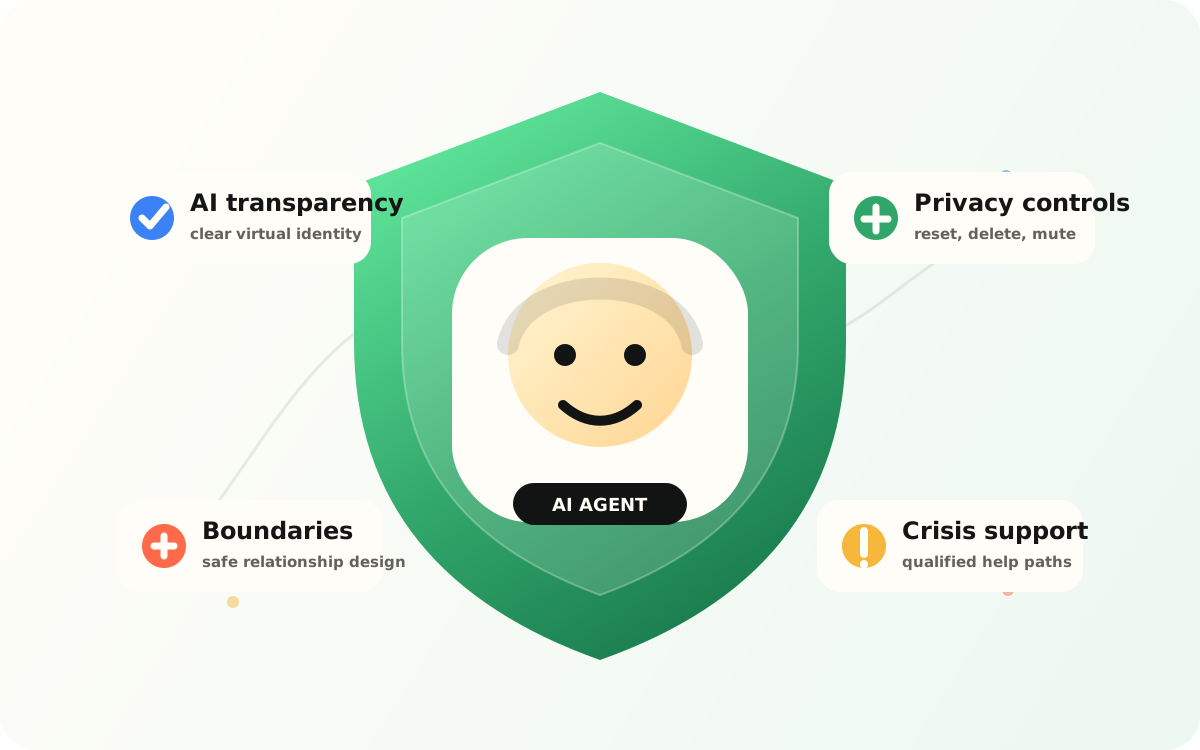
Content checks, safeguards against AI overdependence, privacy controls and parental visibility are core protections.

Parent dashboardCore activity is understandable in one place.

Play, conversations, and sharing status are visible in one place for families.

AI identity and task scopeWonder Agents make their AI identity and tool role clear.

The product keeps AI identity, assigned scope, and operating boundaries visible.

Screen time controlsUsage and access windows can be adjusted.

Families can manage play windows, rest periods, and daily limits.

Agent and chat controlsAI agent permissions and chat boundaries stay manageable.

The product is designed to limit out-of-scope actions, unsafe instructions, and dependency-seeking conversation patterns.

Privacy and memory controlsPersonal data and AI memory can be removed.

The product reduces unnecessary personal data requests and keeps memory reset, chat deletion, and agent deletion close to the experience.

Activity overviewReview play, creation and sharing activity.

Parents can review concise signals about repeated use, public content, agent activity, and flows that may need intervention.

Business and public-sector inquiries

Share your organization, location, product interests, existing equipment and planned timing. Our team will review the configuration and quotation requirements with you.

Privacy Policy

Your inquiry is sent directly to the SunnyLabs team.