
Avatar creation and body-controlled games
Keep the drawing, printing and avatar creation flow, and add games played by moving in front of the phone camera. Plan both the coloring activity and the motion activity.
Add body-controlled games to the avatar experience. One Wonder Bricks app handles rear-phone-camera tracking and gameplay, with the detected participant outline on the TV game screen. Keep the motion area clear.
Avatar-world and motion-experience setup with one or two TVs of at least 50 inches each, a payment kiosk and a printer. Tracking uses the phone's rear camera, with the detected outline shown on the TV's game screen.
Keep the drawing, printing and avatar creation flow, and add games played by moving in front of the phone camera. Plan both the coloring activity and the motion activity.
Wonder Bricks uses the phone's rear camera for motion recognition and runs the game in the same app. The detected outline appears on the TV game screen, with one or two TVs in the proposed configuration.
The footprint of the equipment does not include the space for playing. Review the phone position, camera view, TV visibility and movement area for the selected games and location.
Review each device's role and which experience configuration uses it.
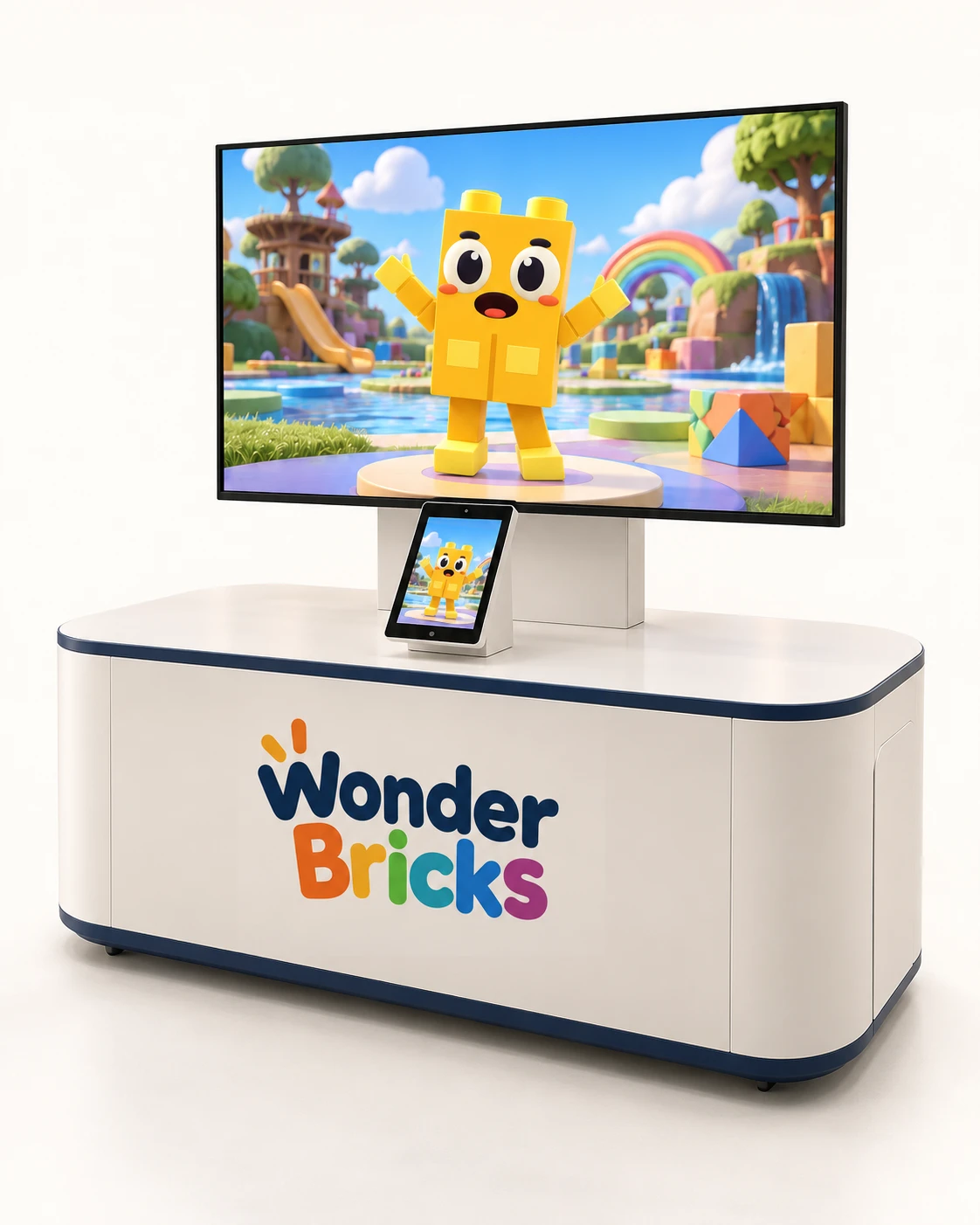
One or two TVs of at least 50 inches · avatar world and motion experience
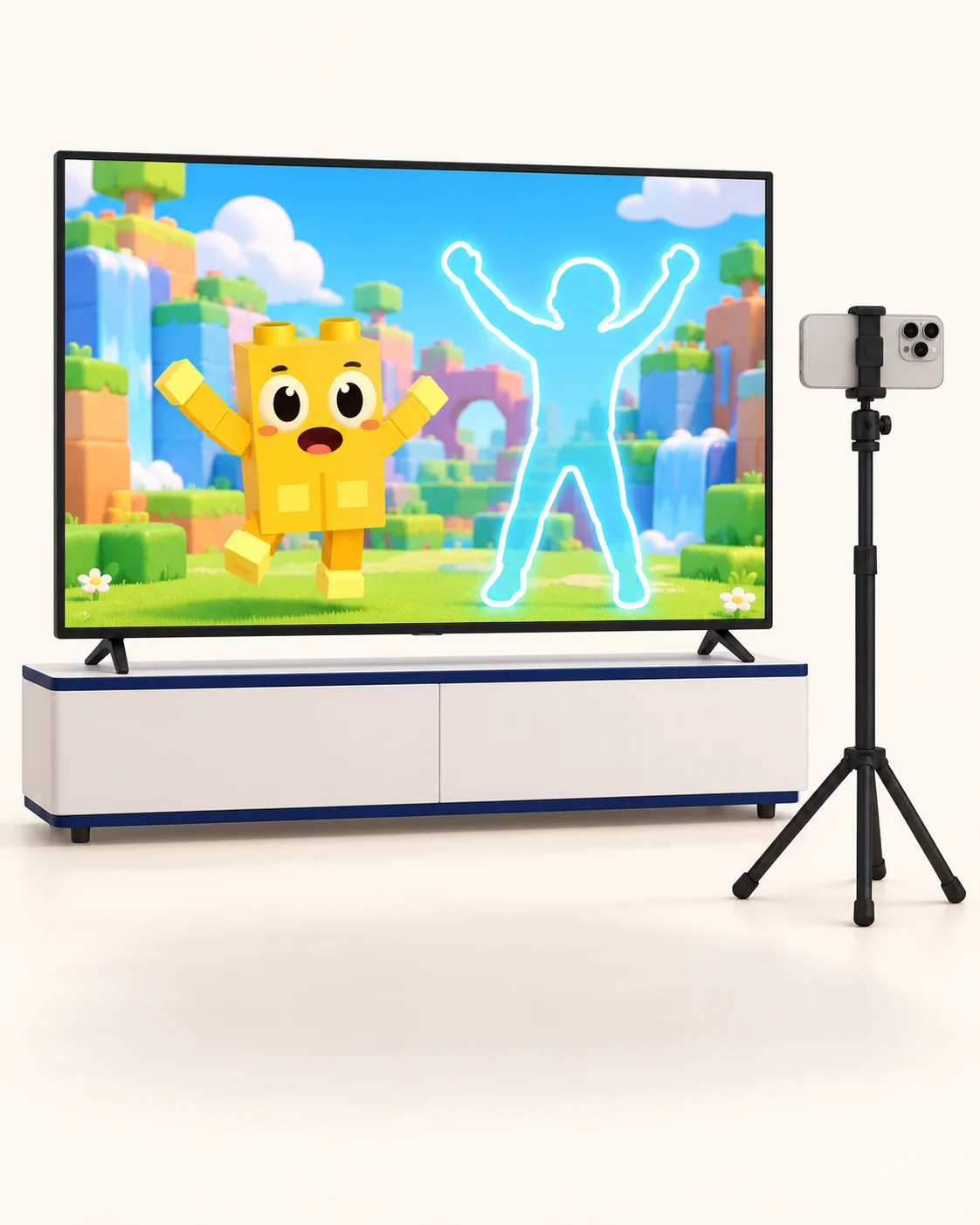
The Wonder Bricks app handles both motion tracking through the phone's rear camera and motion gameplay. The detected participant outline appears on the TV's game screen.
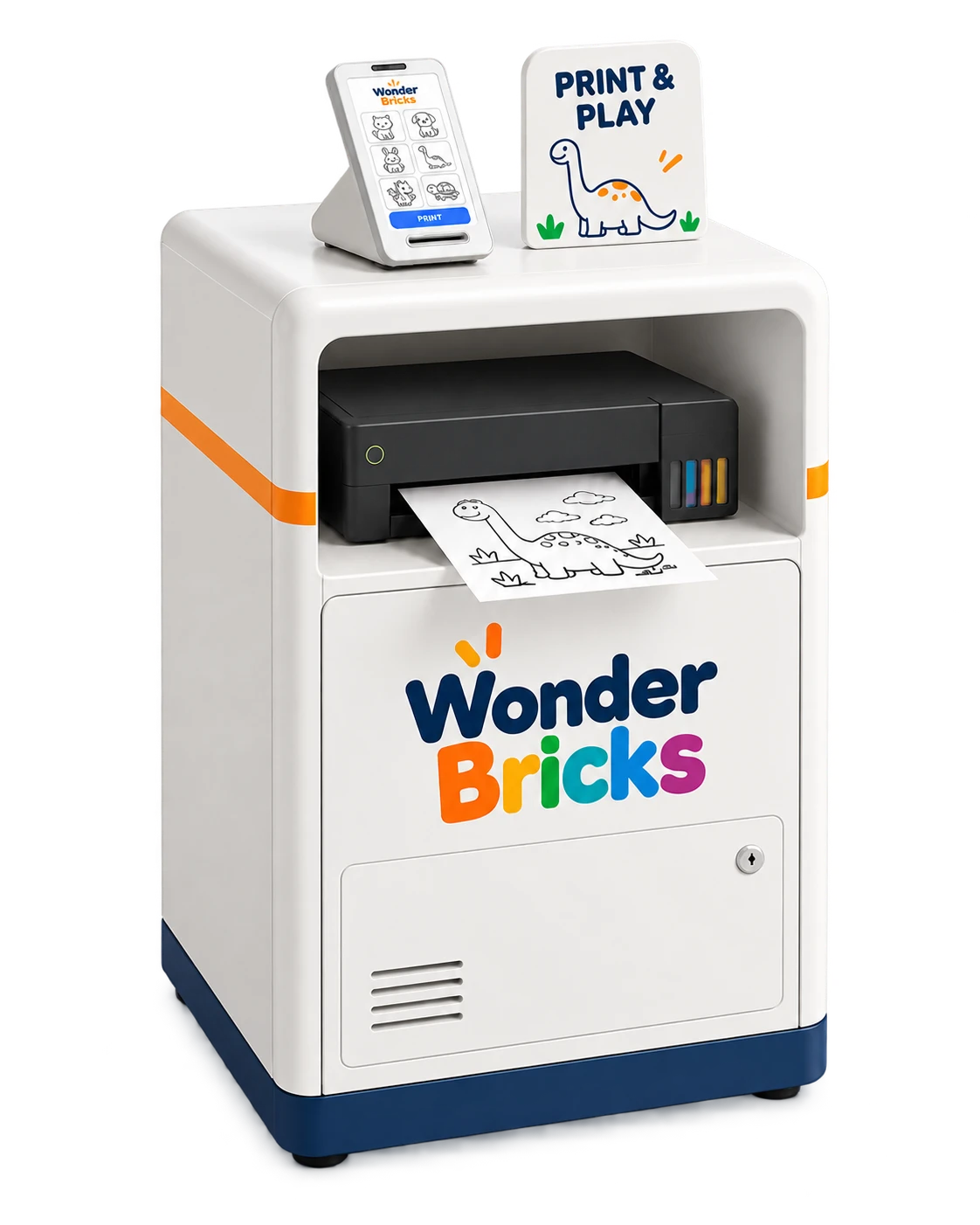
Configurations 01 and 02 both include payment and printing hardware. Visitors choose a coloring sheet, pay and collect the printout here.
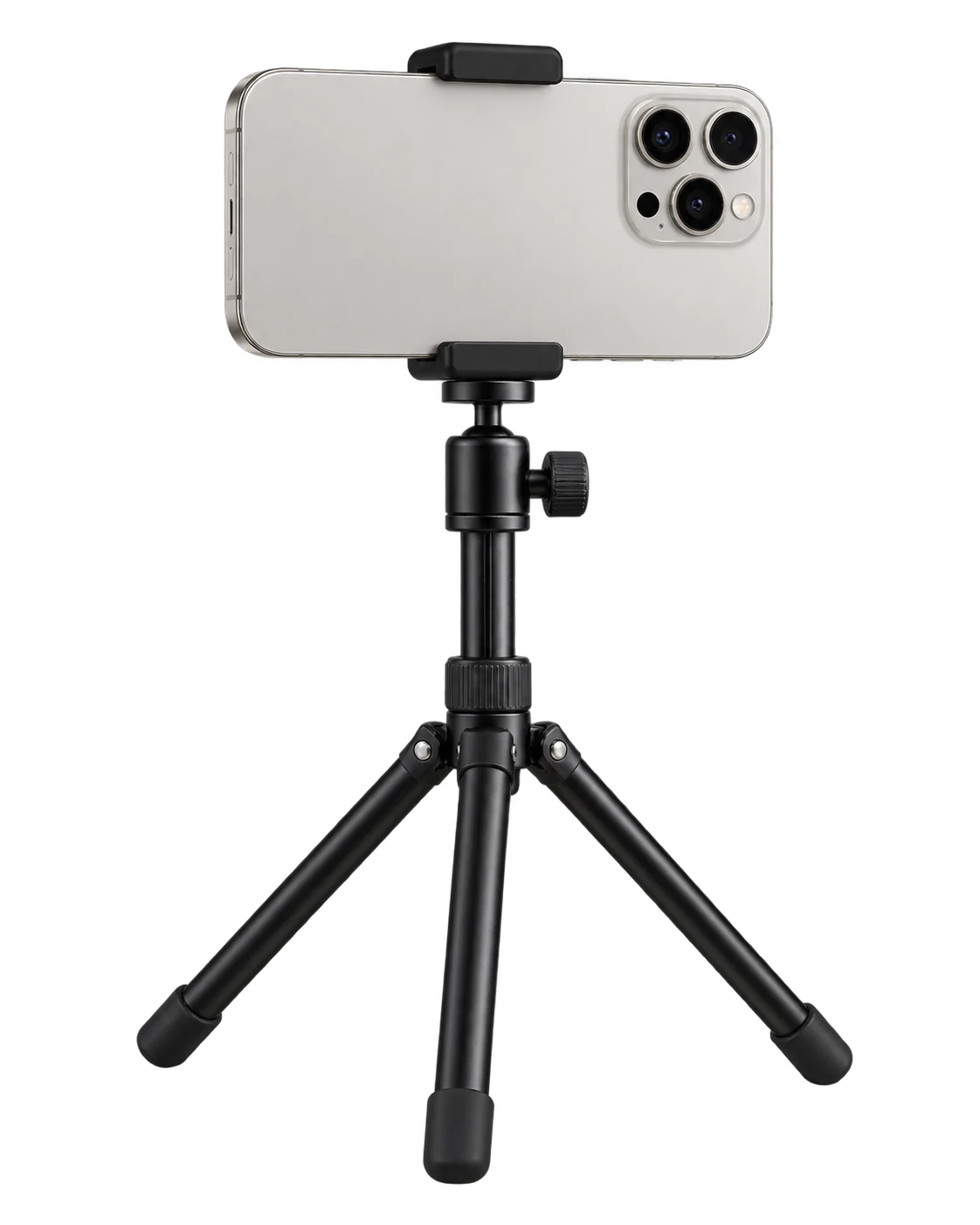
The phone's rear camera recognizes movement. The same Wonder Bricks app runs tracking and the game, with the detected outline on the TV. Confirm suitable phone specifications and included hardware for your setup.
Capture a colored drawing in Wonder Bricks to turn it into an avatar. Choose the device format that suits your venue.
Use a standard phone or tablet to capture colored drawings.
Set up a drawing-capture point with a mobile device in a StanbyME-style stand-mounted format.
Room layouts and device images are illustrative configuration examples. Final models, specifications and installation details are agreed for your venue.
Proposed dimensions · not site-measured ·
Start with the floor area occupied by the equipment. Then allow room for coloring, image capture, movement, waiting and circulation. The dimensions below come from the shared installation study.
1400 × 750 mm
Width × depth · proposed equipment outline
600 × 800 mm
Width × depth · proposed equipment outline
1.53 m²
This total only covers the floor area under the devices. Coloring, participant movement, waiting, circulation and maintenance need additional space.
Plan a coloring table or seating area, a capture position and an avatar viewing screen. Leave space for visitors to move between them.
Position the phone's rear camera toward participants and leave room to move while watching the TV. The detected outline appears on the TV's game screen. Suitable camera distance and activity space depend on the phone, game and venue.
One or two TVs of at least 50 inches · avatar world and motion experience
Review electrical outlets, internet, the route for bringing in the equipment, cable routing and the room needed for maintenance, along with visitor circulation.
These are unmeasured planning dimensions, not final manufacturing or construction specifications. Device height, fixing method, final dimensions and operating space must be confirmed for the selected equipment and site. The floor area occupied by the devices is not the total space required for the venue.
Our venue pricing page lists the software prices and hardware rental information for each configuration.
Visitors select a template at the kiosk, pay and collect the printed sheet for coloring.
Visitors color the sheet and photograph it in Wonder Bricks to generate an avatar.
The completed avatar appears on the venue display for participants to view.
Participants move in front of the phone's rear camera. The Wonder Bricks app runs tracking and the game together, with the detected outline shown on the TV's game screen.
Group visits and family experiences at Ground Planet, Seoul Grand Park. Explore the actual venue in the photos below.
Wonder Bricks at Ground Planet, Seoul Grand Park
Your quote covers selected equipment, content access, delivery and installation. Send an inquiry for a configuration and delivery schedule.
Confirm delivery, installation and initial setup costs included in the quote.
Content access, consumables and support. Billing units, access periods and renewal terms are agreed in the quote.
Review additional screens or custom content for your venue.
Venue equipment costs and visitor coloring-sheet purchases are separate. Confirm tax, equipment inclusions and support terms in the quote.
Avatar-world and motion-experience setup with one or two TVs of at least 50 inches each, a payment kiosk and a printer. Tracking uses the phone's rear camera, with the detected outline shown on the TV's game screen.
Equipment position, room to move, screen visibility, power and network conditions are reviewed for the proposed location.
Supported games and content access are confirmed for the selected equipment and intended use before the configuration is finalized.